![joomag logo blue-3.png]](https://help.joomag.com/hs-fs/hubfs/joomag%20logo%20blue-3.png?height=29&name=joomag%20logo%20blue-3.png)
Learn more about placing videos in your publication
You can set a cover image to your video through the following steps:
- Select the required video
- Click ⛭ to open video properties
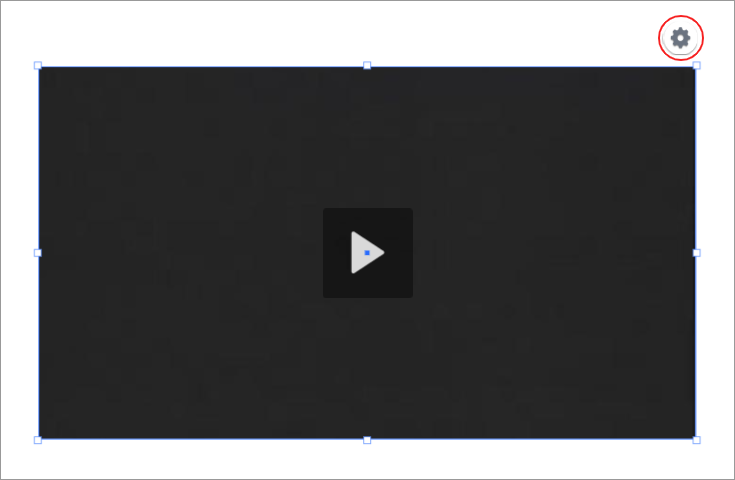
Tip: You also can modify the settings by clicking Element settings on the properties toolbar.
3. In the opened window, select the Show Controls checkbox, and then click the Browse button to select the thumbnail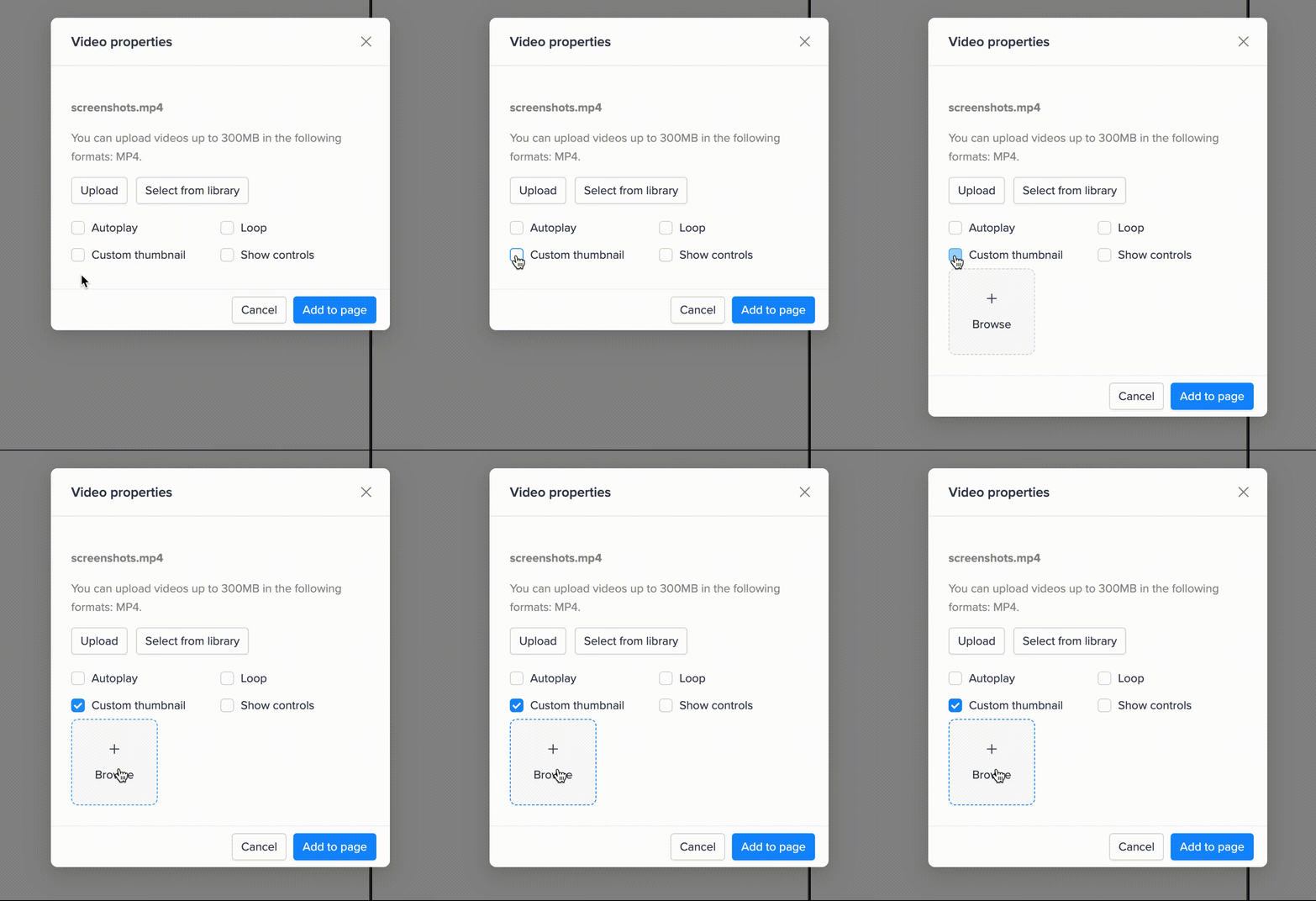
4. Select the required file from your device, and then click the Update button
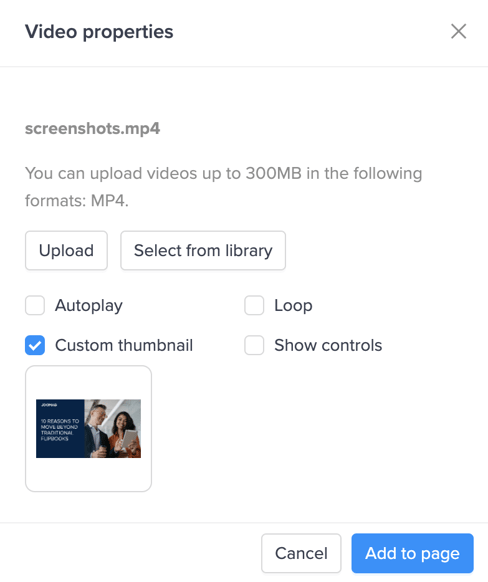
5. Save your page when you're done!