![joomag logo blue-3.png]](https://help.joomag.com/hs-fs/hubfs/joomag%20logo%20blue-3.png?height=29&name=joomag%20logo%20blue-3.png)
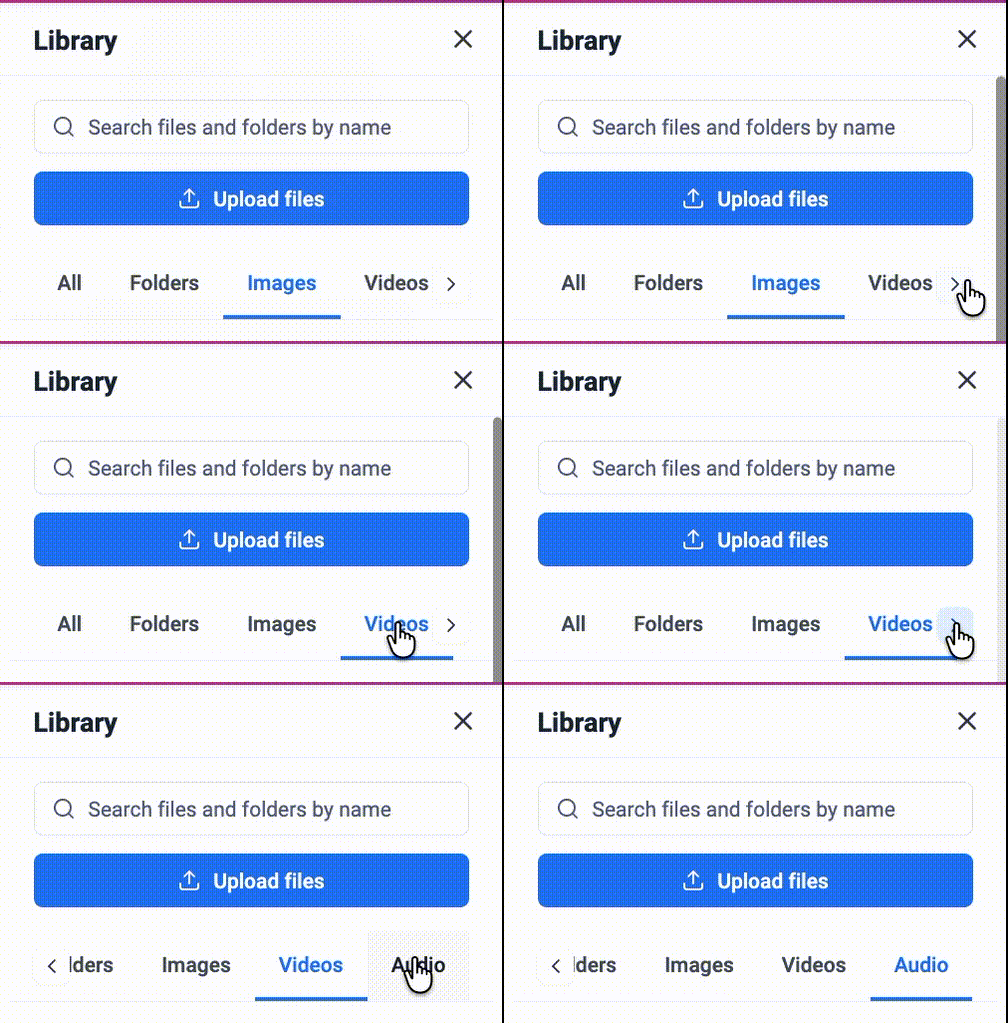
In the Crater Editor, all the media files used in the publications are stored in the Library. To access it, click Library from the left toolbar.

-
All - This section displays all media files, images, videos, and audio, organized by category. Click 'See all' to view the complete list of items.

- Folders - In this section, you’ll see your files organized into the folders you’ve created. You can also create a folder in this section.
- Images, Videos, Audio – displays media files grouped by their respective categories.
Actions
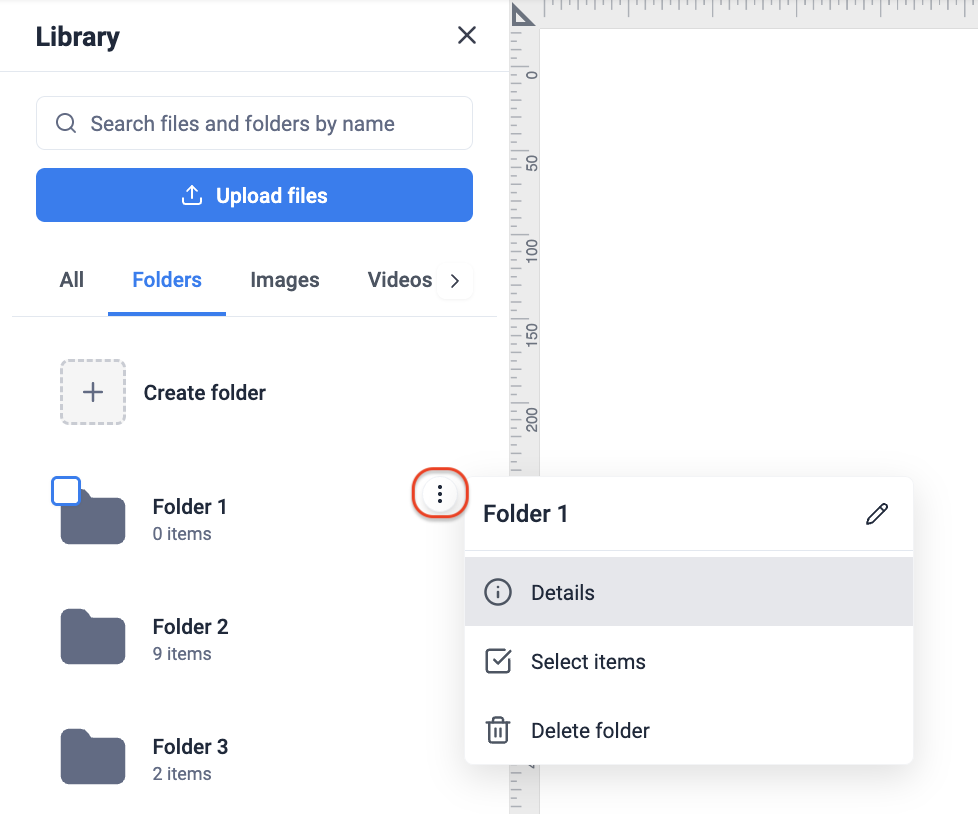
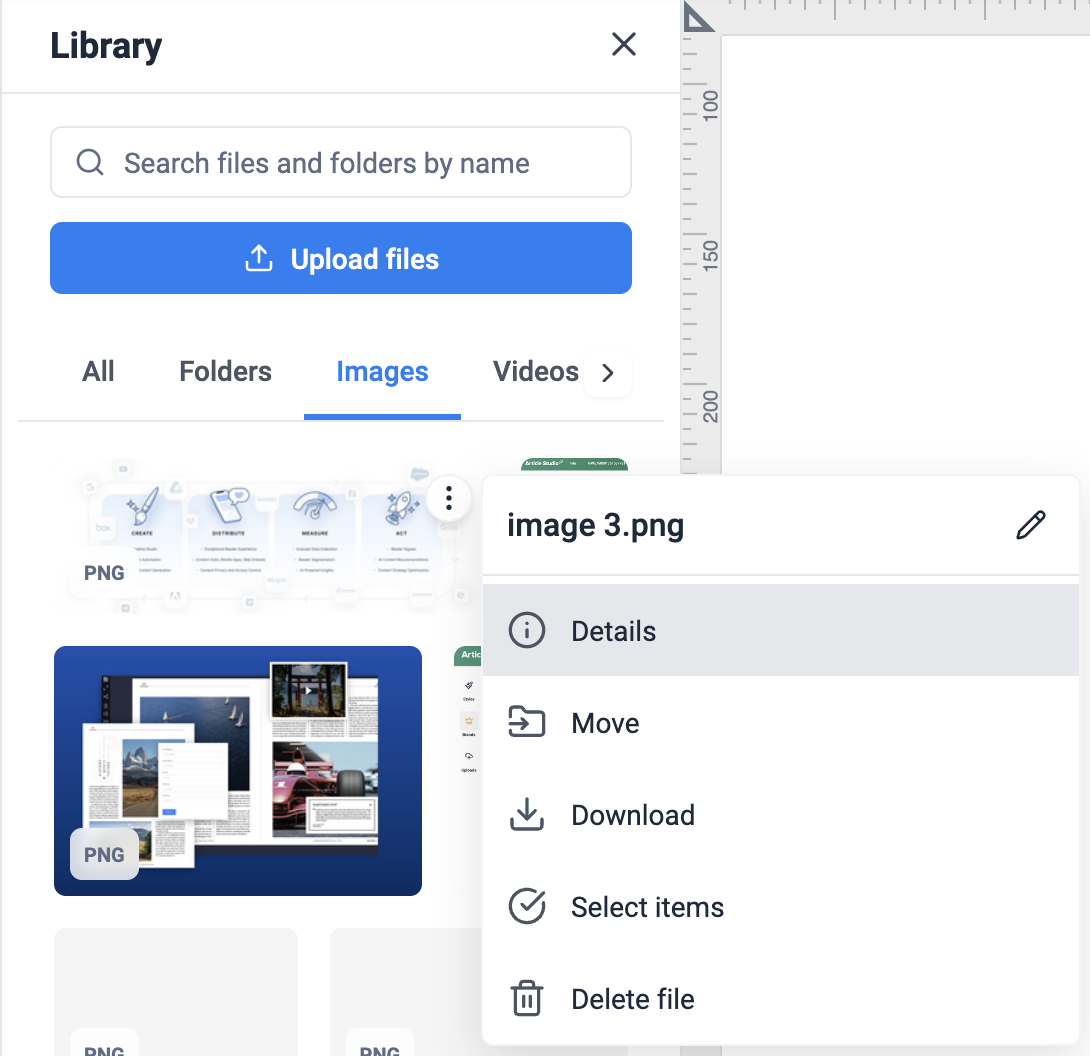
In the Library, based on whether you want to perform actions on folders or files, the available actions differ.
Folder Actions
The following actions are available for folders:
-
Rename
File Actions
In the case of files, you can perform the following actions:
💡 Learn more about supported media file types and file sizes.