![joomag logo blue-3.png]](https://help.joomag.com/hs-fs/hubfs/joomag%20logo%20blue-3.png?height=29&name=joomag%20logo%20blue-3.png)
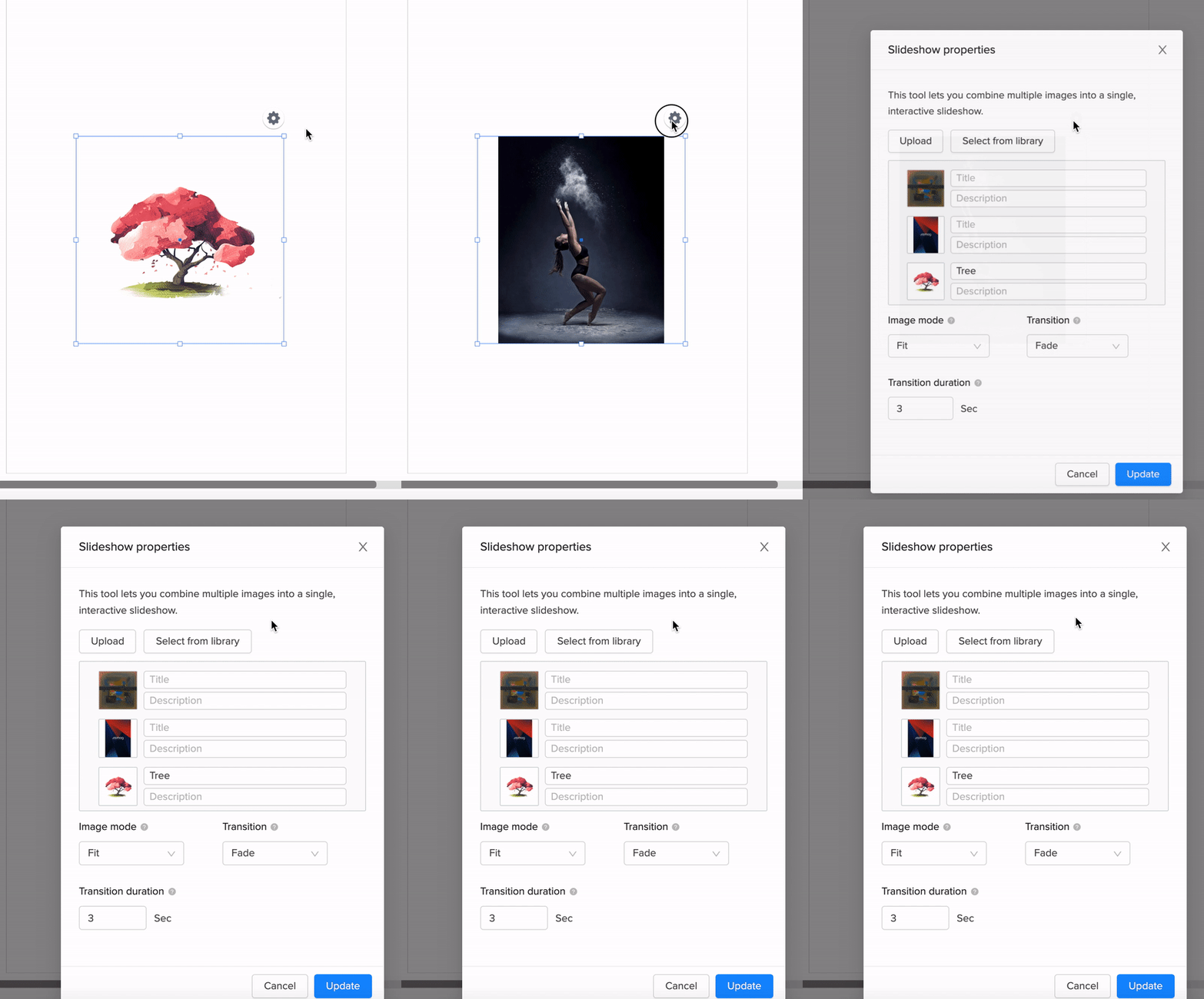
You can change the transition effect of your already created slideshow. Follow these steps to do so:
1. Select the slideshow which you want to modify, and then click ⛭ to open slideshow properties.
Tip: You also change the mode of the images by clicking Element settings on the properties toolbar.
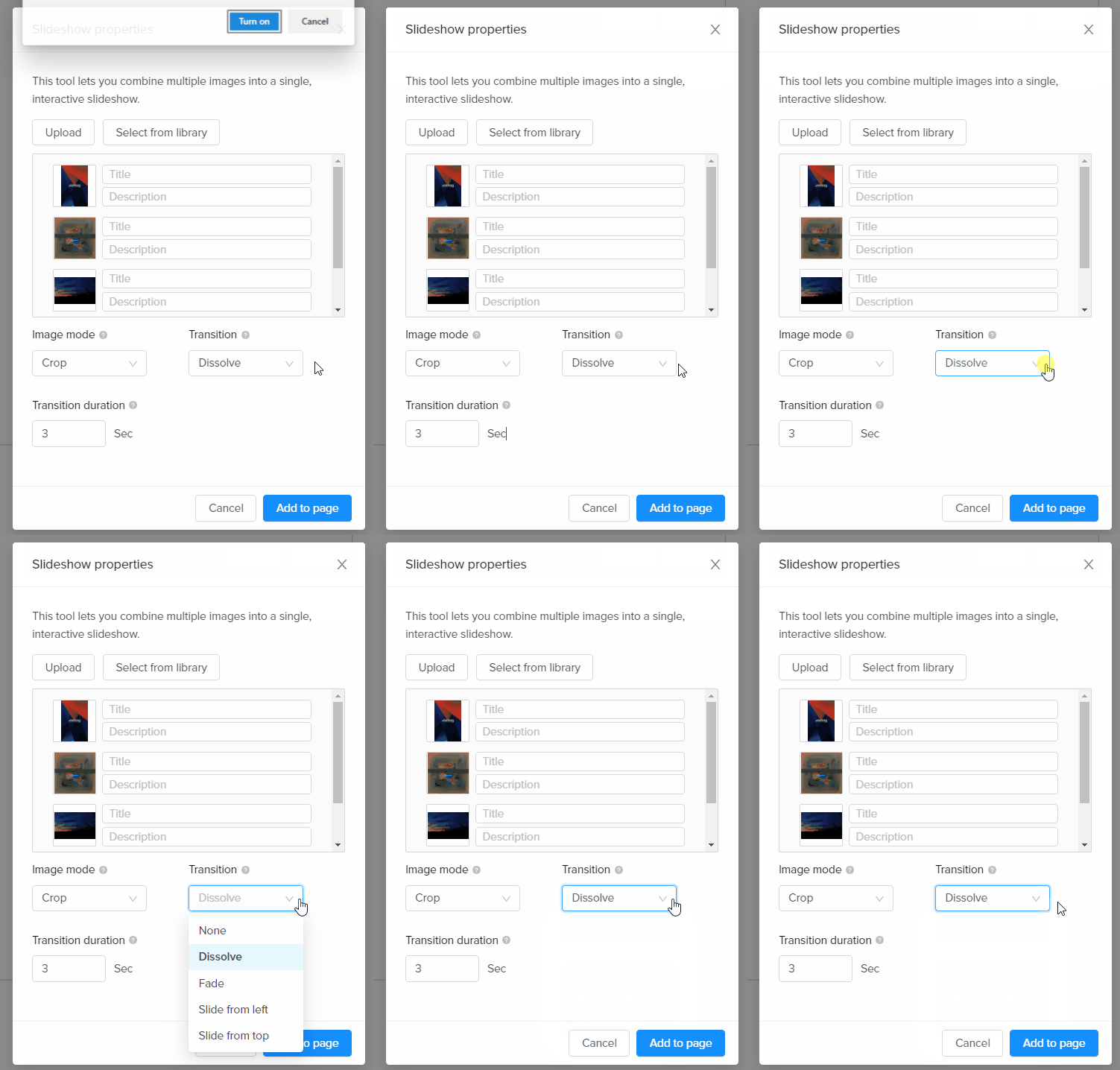
2. Select a transition effect for your slideshow from the drop-down. The following transitions are available:
-
None - No transition effect is applied.
-
Dissolve - Gradual transition from one image to another.
-
Fade - Image gradually disappears and the next image gradually appears.
-
Slide from left - The next image slides in from the left.
-
Slide from top - The next image slides in from the top.
3. Save your page when you're done!
Did this answer your question?