![joomag logo blue-3.png]](https://help.joomag.com/hs-fs/hubfs/joomag%20logo%20blue-3.png?height=29&name=joomag%20logo%20blue-3.png)
When creating publications in Joomag you can choose their type to be a catalogue, brochure, magazine, e-book, newsletter, etc. You can change the type of the collection including all the existing and upcoming publications anytime you wish.
To change the collection type:
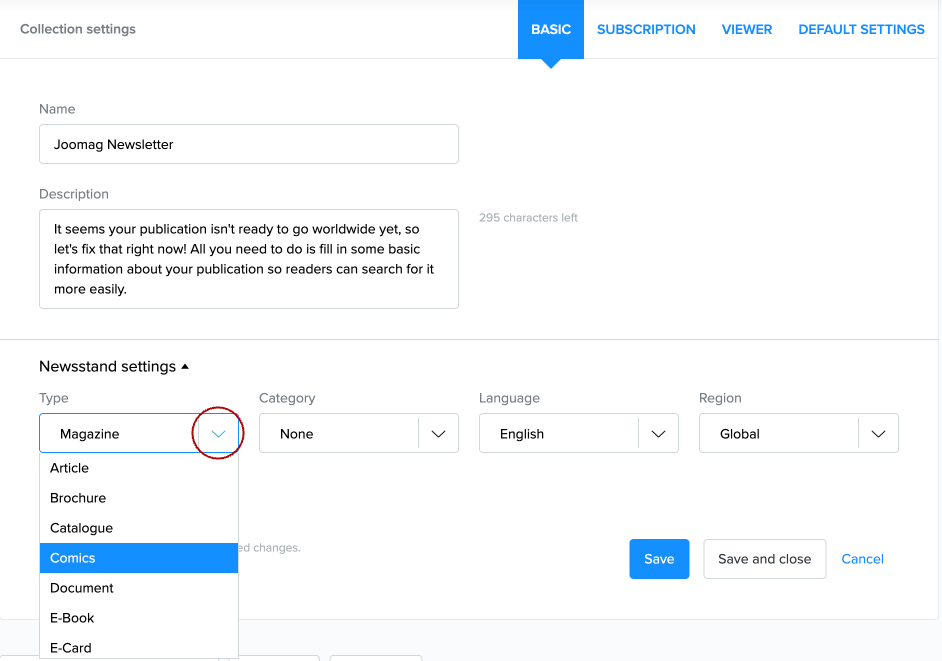
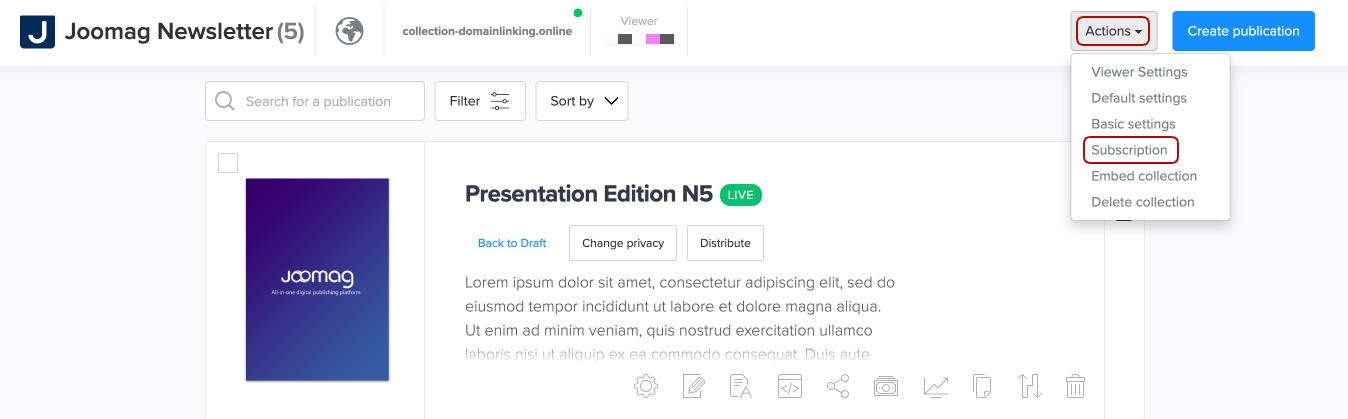
1. From My Publications page open the collection you wish and click the Basic settings button from the Actions dropdown menu.
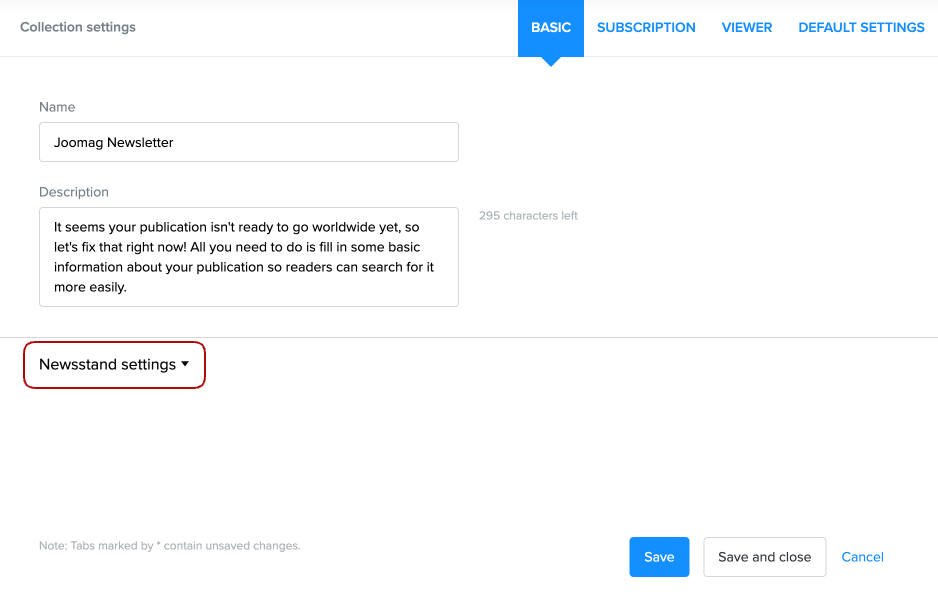
2. Scroll down the Newsstand settings menu.
3. From the Type dropdown menu choose the one you need and click the Save and close button.