![joomag logo blue-3.png]](https://help.joomag.com/hs-fs/hubfs/joomag%20logo%20blue-3.png?height=29&name=joomag%20logo%20blue-3.png)
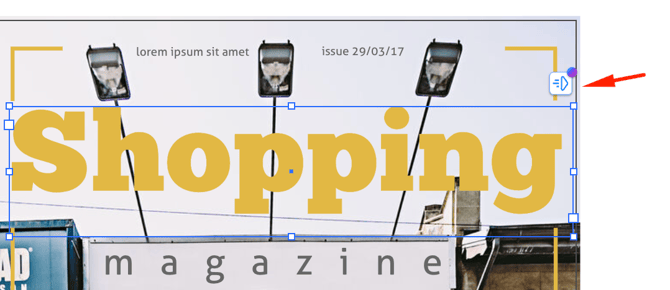
- In the editor, select an element you want to animate
- Click the Animate icon or the option on the right toolbar:
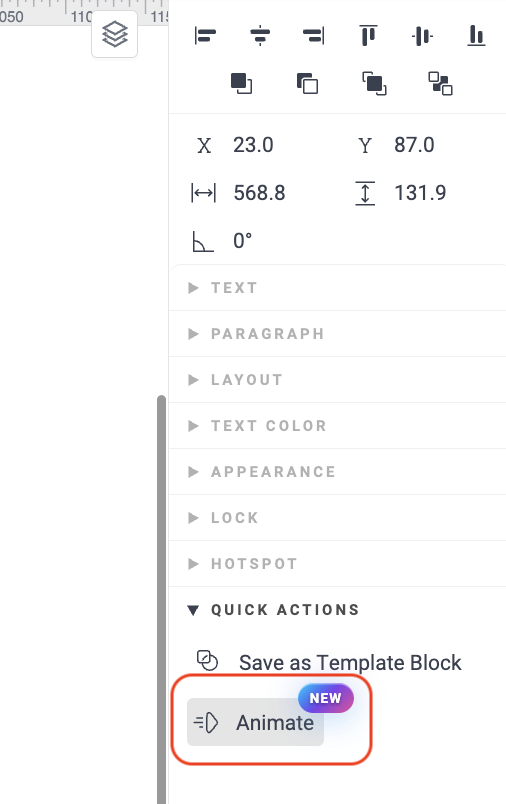
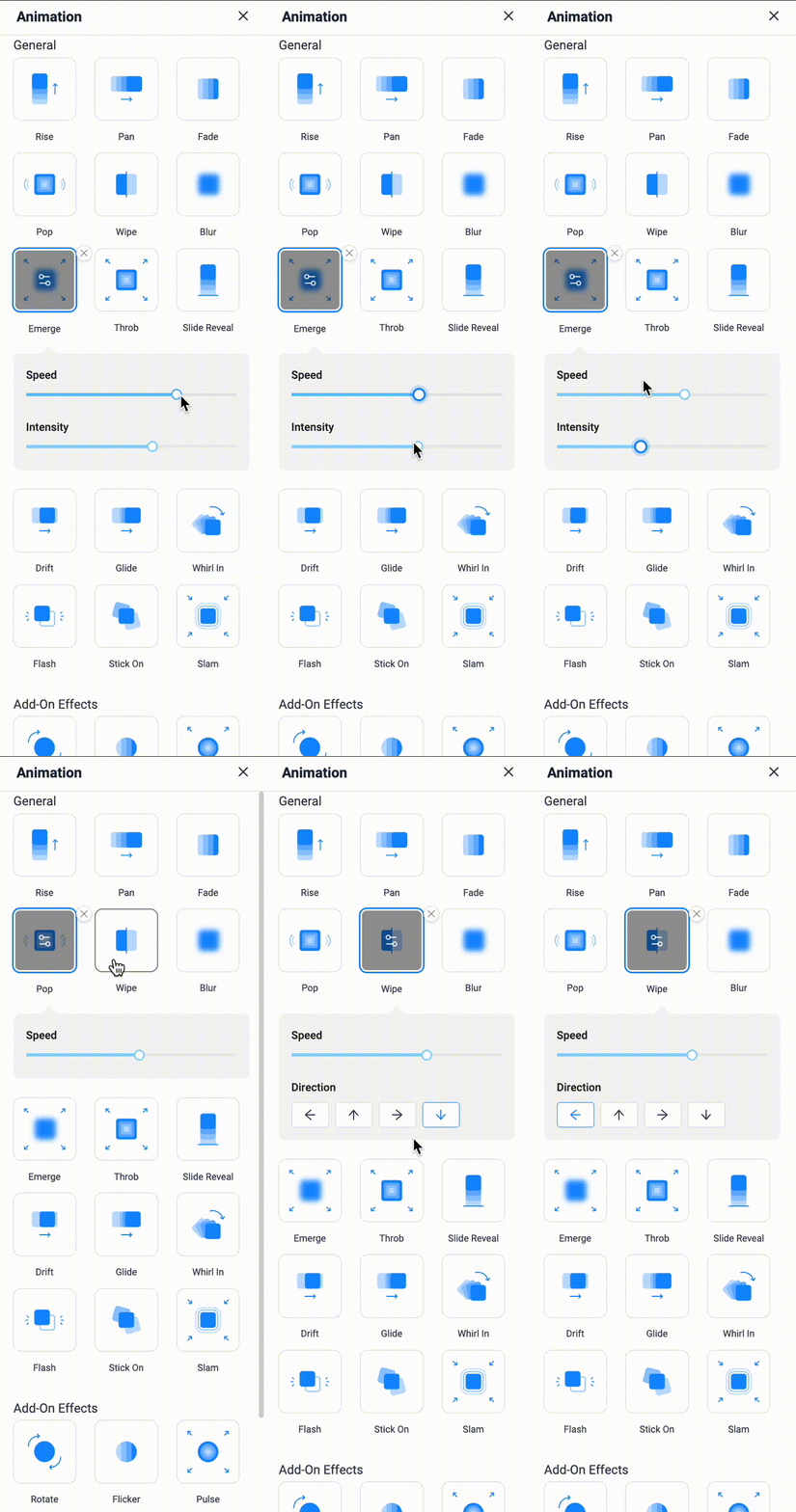
- In the panel that opens on the left, you’ll see the available animation options. Hover over an option to preview it, and click to apply the animation to your element.
- Use the animation settings to adjust the intensity, speed, and direction for each applied effect:
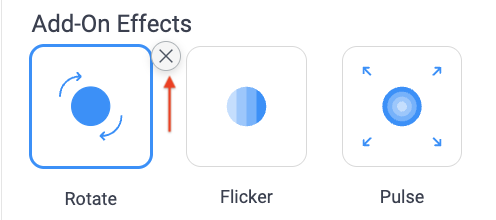
- To remove the animation, click the X button:
💡 In this article, you’ll learn how animation start order works and how to control it.