![joomag logo blue-3.png]](https://help.joomag.com/hs-fs/hubfs/joomag%20logo%20blue-3.png?height=29&name=joomag%20logo%20blue-3.png)
To access the back publications of the collection in the Joomag Android app, follow these steps.
1. Tap the Menu button on the left upper corner of the page.
2. Choose the Newsstand option.
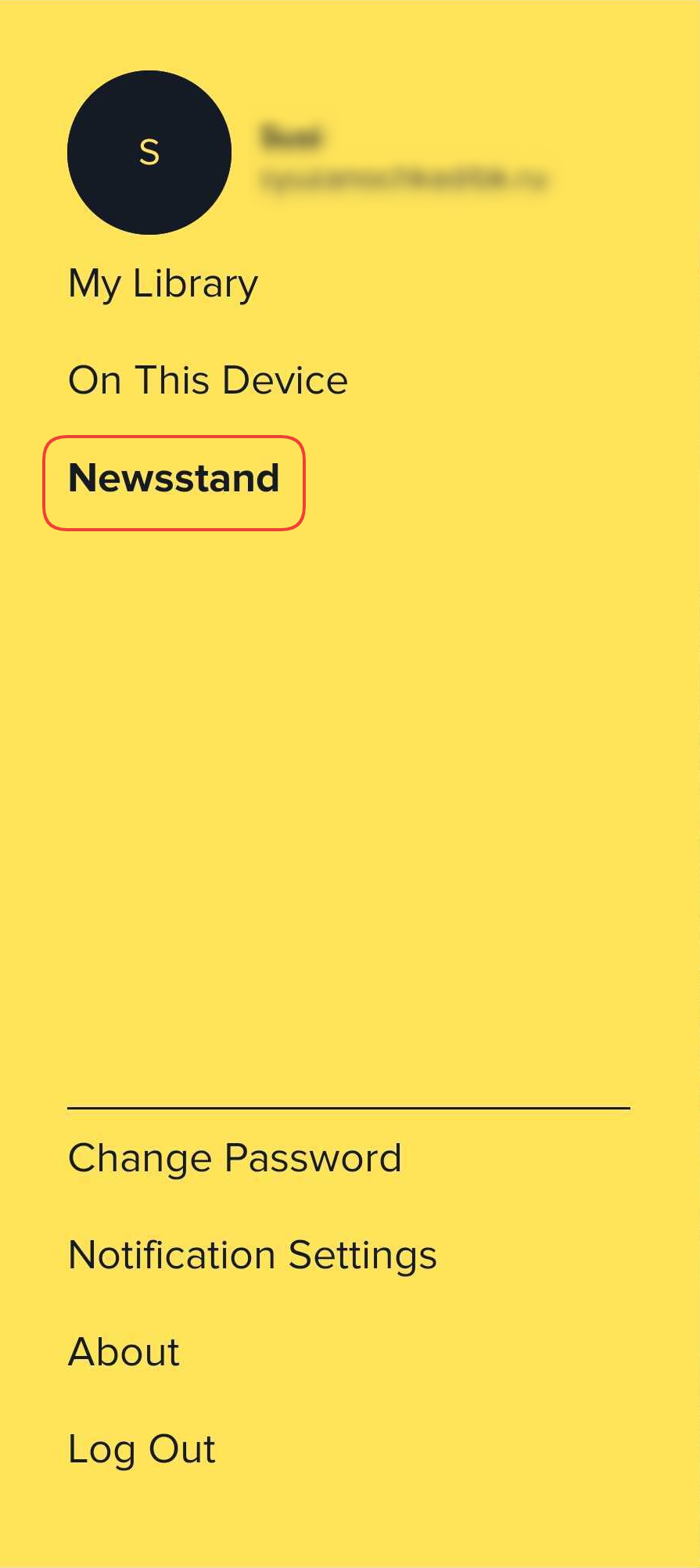
3. Search the publication from there and tap on it.
4. Scroll down to see the description and all the back publications.
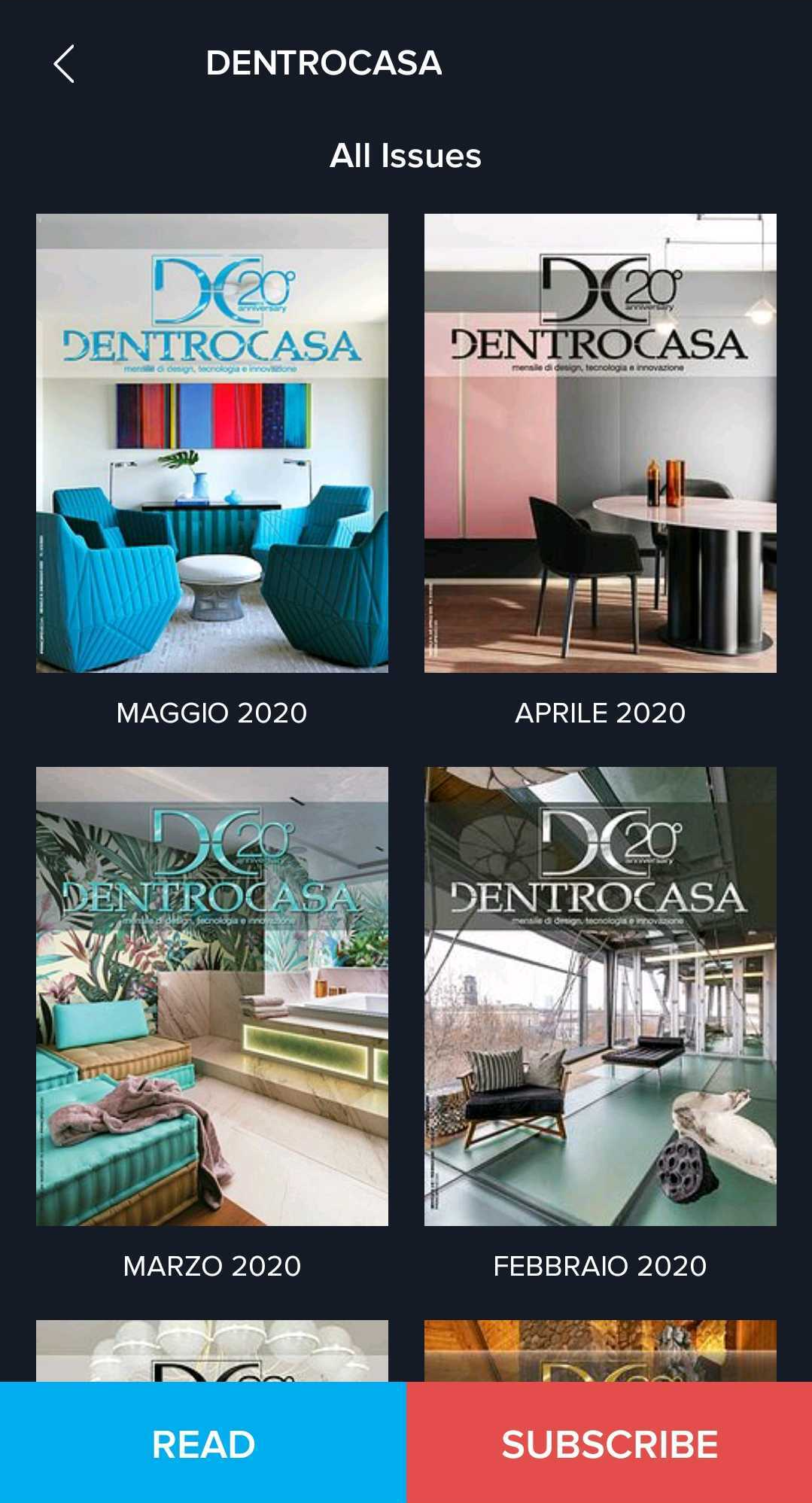
5. That's it! Pick the publication you want and enjoy it.
Did this answer your question?