![joomag logo blue-3.png]](https://help.joomag.com/hs-fs/hubfs/joomag%20logo%20blue-3.png?height=29&name=joomag%20logo%20blue-3.png)
IP address privacy settings allow you to set the IP address to which you want to give or deny access to your publications.
Note: This feature is only available with the Enterprise plan.
To manage the IP address privacy settings perform these steps:
-
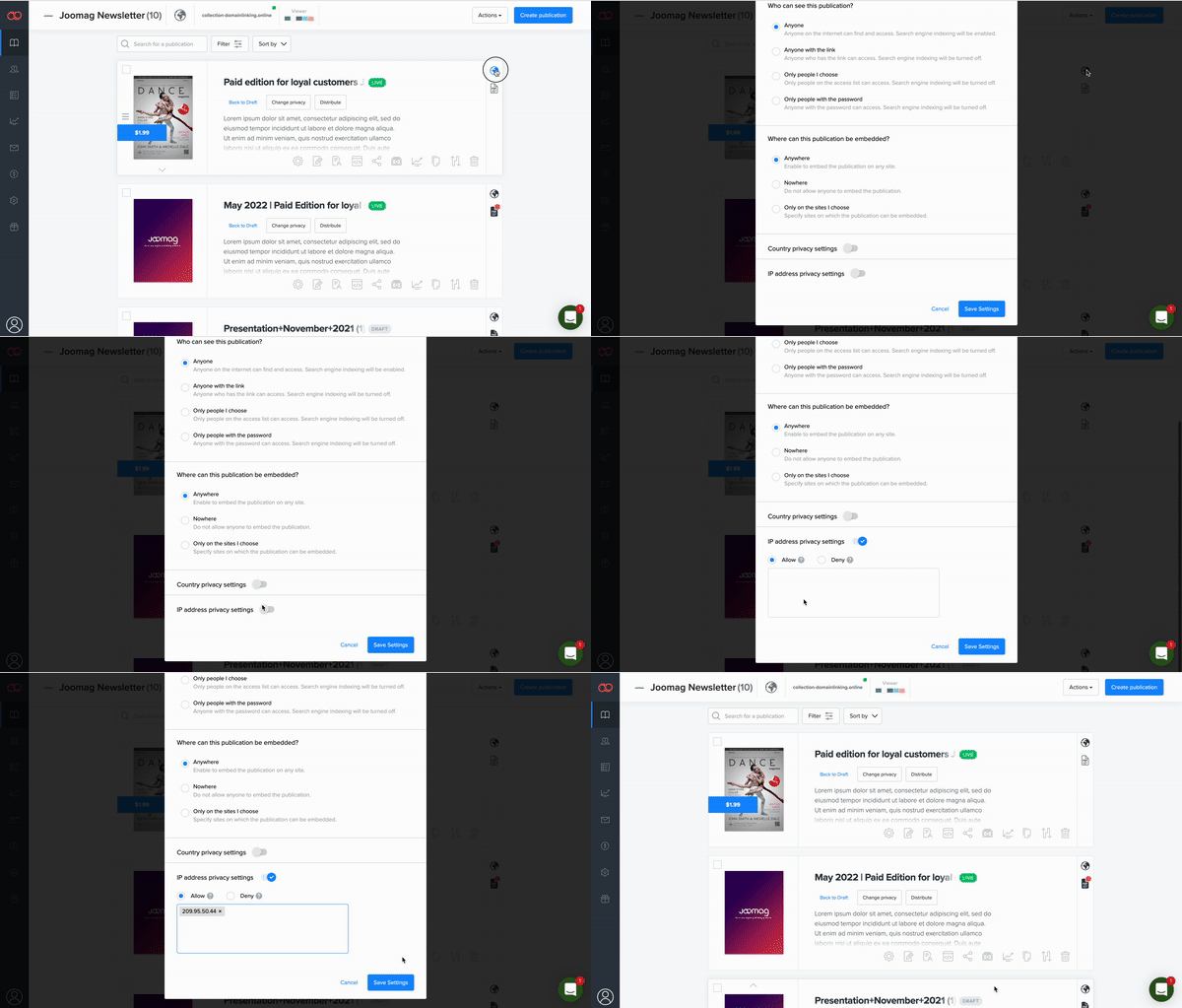
Find the publication that needs to have the privacy settings updated
-
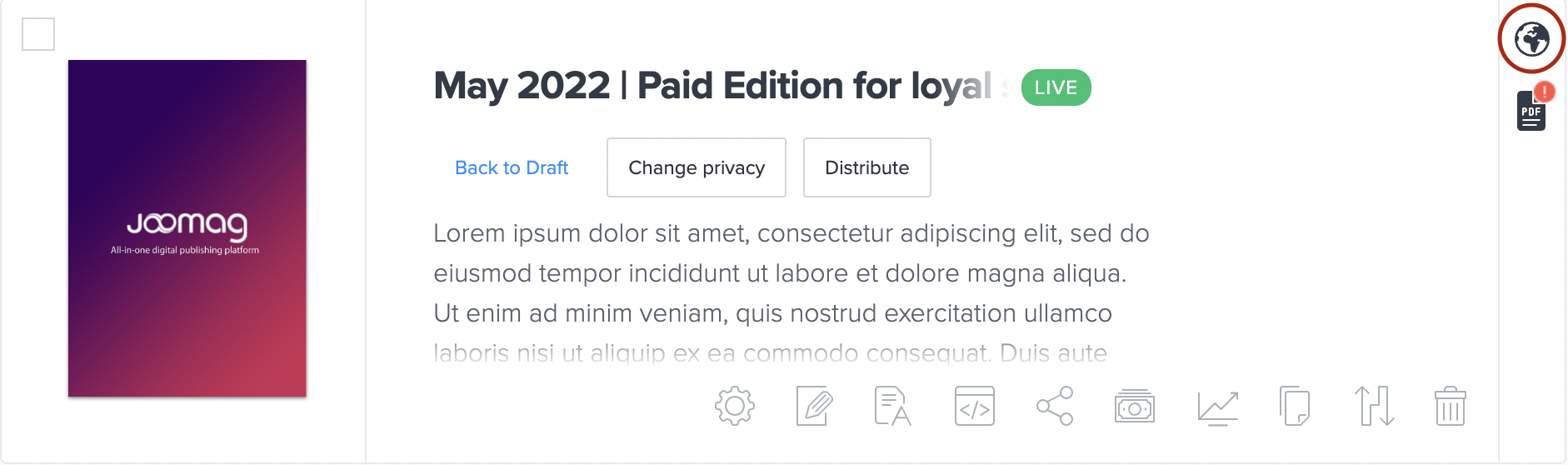
Click the Privacy Settings icon

-
Scroll down and enable the IP address privacy settings toggle
-
If there are any IP addresses you would like to allow access to your publication, choose Allow option and paste the IP address.
-
If you want to prohibit access to your publication for specific IP addresses choose Deny option and paste the address
-
-
Once finished click Save Settings and you are done