![joomag logo blue-3.png]](https://help.joomag.com/hs-fs/hubfs/joomag%20logo%20blue-3.png?height=29&name=joomag%20logo%20blue-3.png)
All the hotspots and links of your collection can be highlighted on pages.
1. From the My Publications page open the collection you wish and click the Viewer Settings from the Actions dropdown menu.
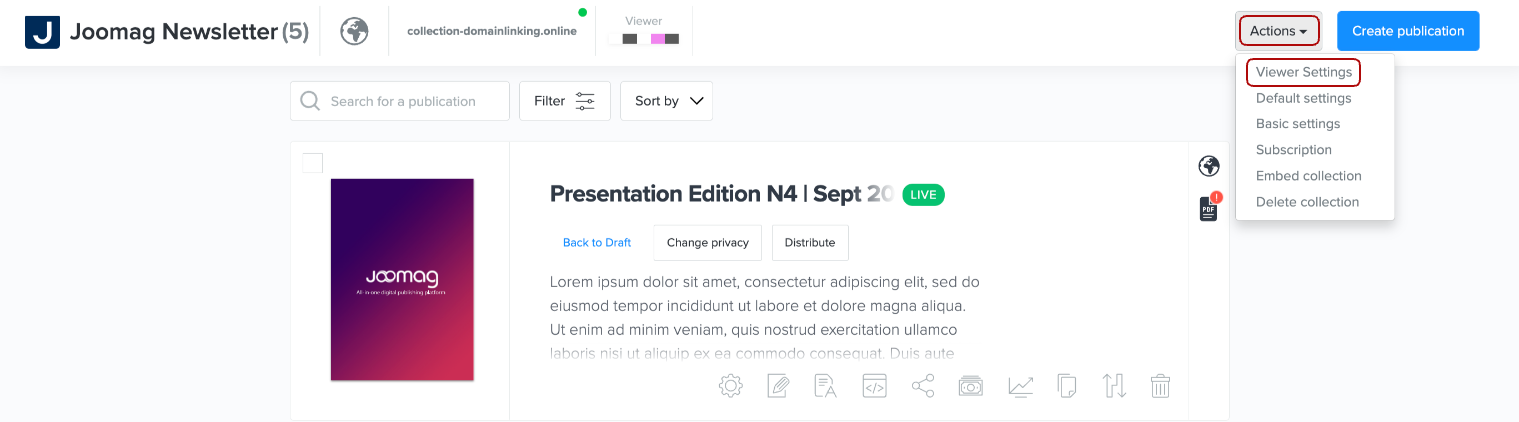
💡 You can also find the viewer settings in the following way:
2. Scroll down to the Advanced Settings and check the option:
💡 To adjust the hotspot highlight color so it aligns with your brand’s look and feel, select one of the preset colors from the dropdown menu: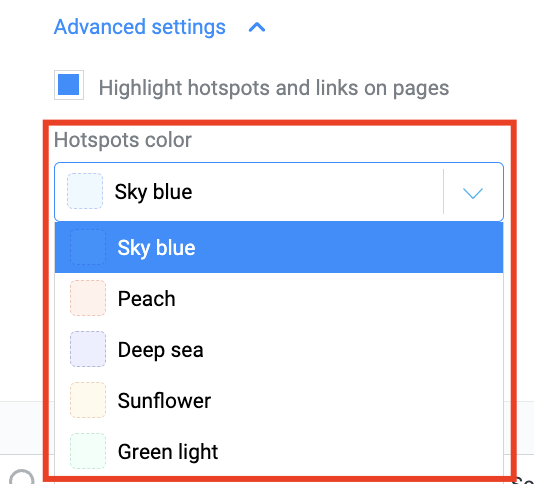
3. Click the Save and close button when you're done.