![joomag logo blue-3.png]](https://help.joomag.com/hs-fs/hubfs/joomag%20logo%20blue-3.png?height=29&name=joomag%20logo%20blue-3.png)
To access the back publications of the collection from the Publication Viewer, follow the steps below:
1. First of all open one of the publications of the collection.
2. Expand the Publication panel button on the left sidebar of the Publication Viewer.
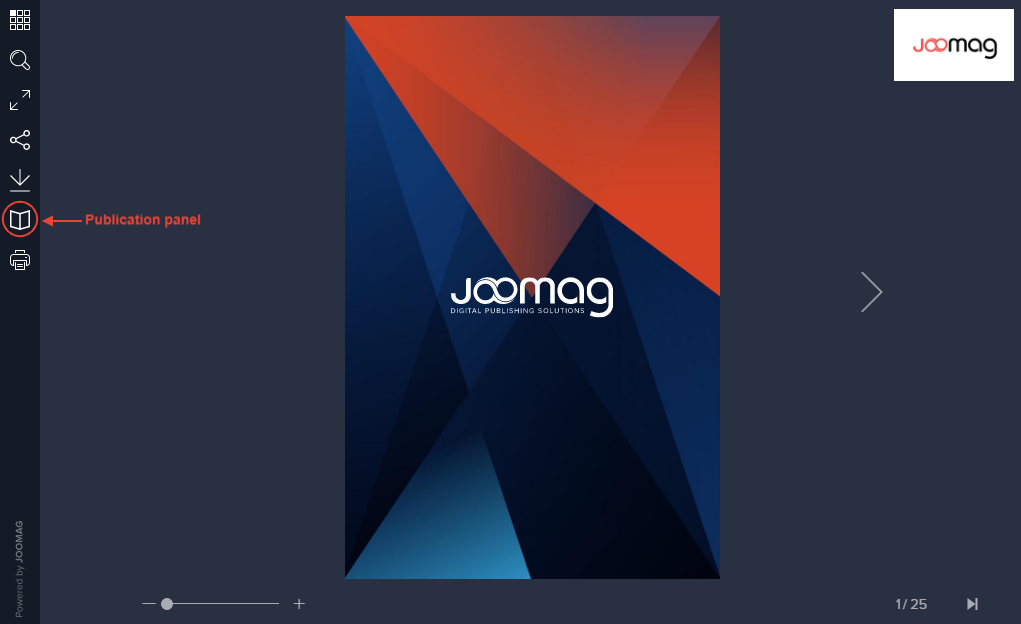
Note: If you don't see the icon there, it means the publisher disabled this functionality.
3. That's it! Now you can view the back publications of the collection.
Did this answer your question?