![joomag logo blue-3.png]](https://help.joomag.com/hs-fs/hubfs/joomag%20logo%20blue-3.png?height=29&name=joomag%20logo%20blue-3.png)
With tokens, you can send personalized content to your contacts based on the property values stored in your CRM. When recipients open your email, they will see information specific to them inserted automatically in place of the token or placeholder.
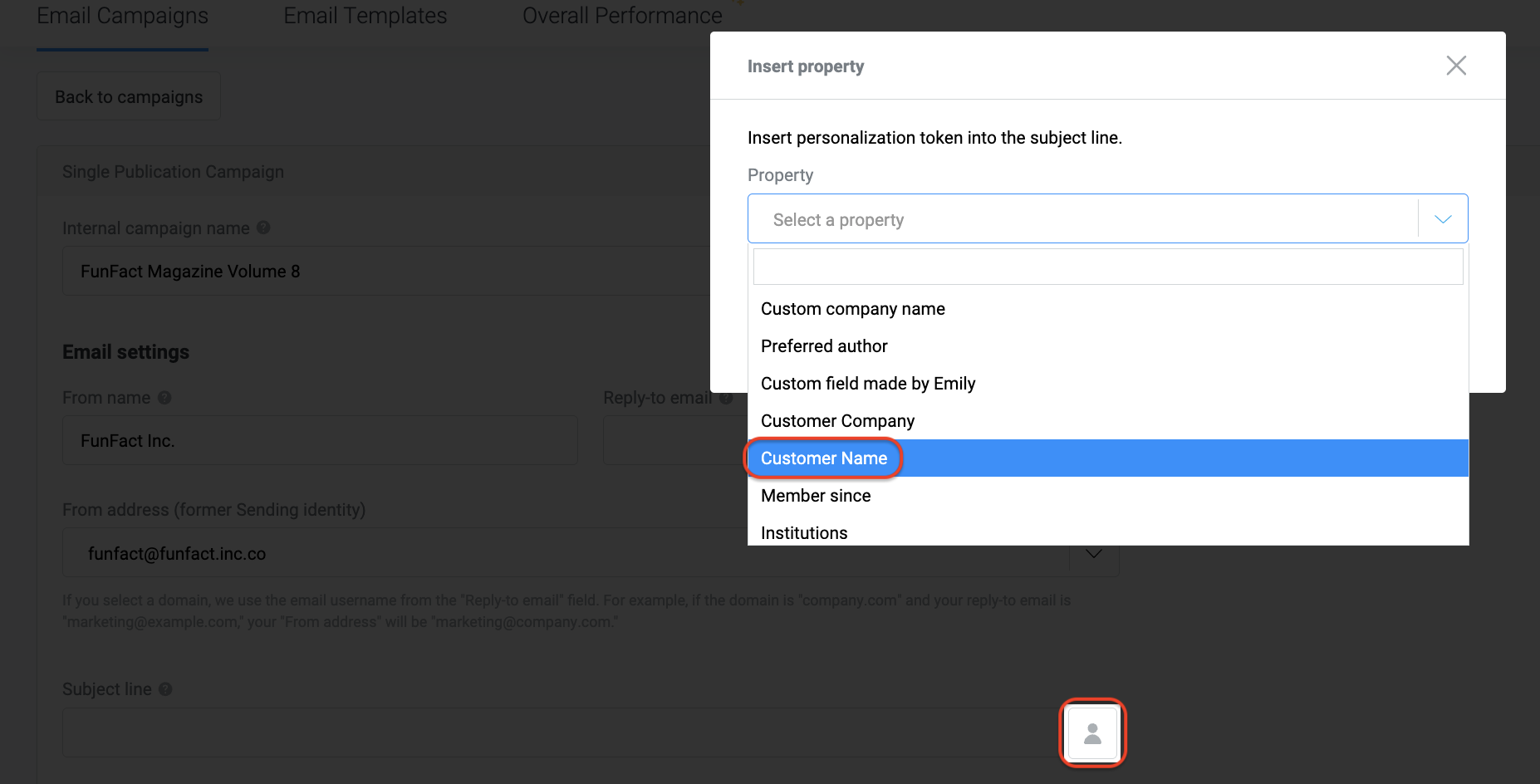
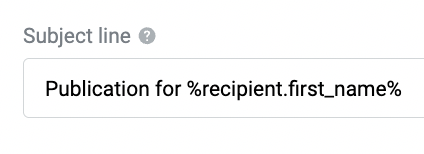
Available placeholders correspond to your CRM fields, including custom fields. You can view and insert them directly from the email campaign setup page by clicking Mail Subject Properties and selecting the appropriate placeholder and formatting.
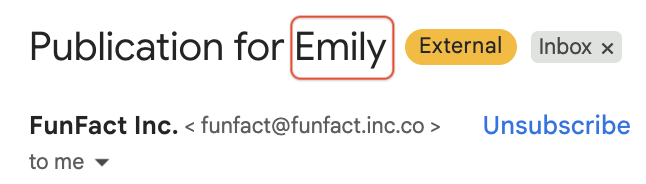
The received email:
You can use these placeholders not only in the mail subject but also in system email templates.