![joomag logo blue-3.png]](https://help.joomag.com/hs-fs/hubfs/joomag%20logo%20blue-3.png?height=29&name=joomag%20logo%20blue-3.png)
Sending a test email is a simple but important step before launching a campaign. It allows you to review the email in a real inbox, confirm that links and images work properly, verify personalization placeholders, and catch any issues before your audience receives the message.
⭐️ Test emails can be sent to any email address, even if it's not a contact in your CRM. The test emails do not count against your monthly email limit.
- While in the campaign editing page, click Send test email

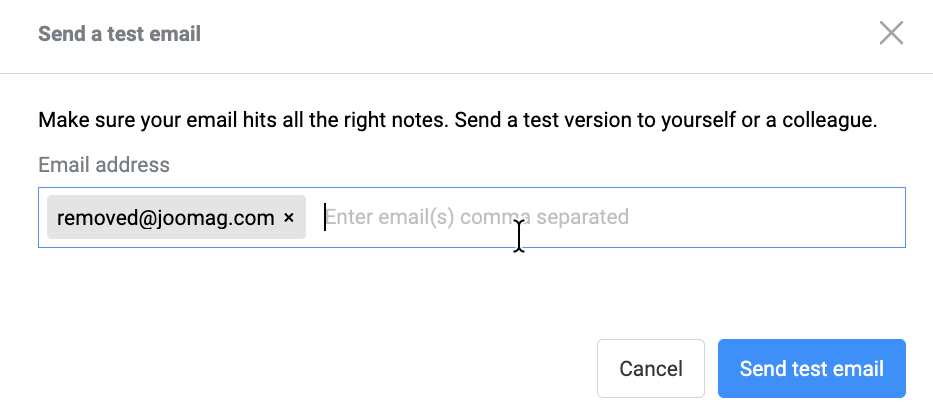
- Add email address(es) and click Send test email:
-
The unsubscribe link does not work in test emails.
-
Please note that campaign statistics are not affected by opens or clicks from test emails.