![joomag logo blue-3.png]](https://help.joomag.com/hs-fs/hubfs/joomag%20logo%20blue-3.png?height=29&name=joomag%20logo%20blue-3.png)
You can easily set up a collection subscription or disable it. If you just created your collection the subscription will be disabled by default.
To disable a collection subscription follow the steps below:
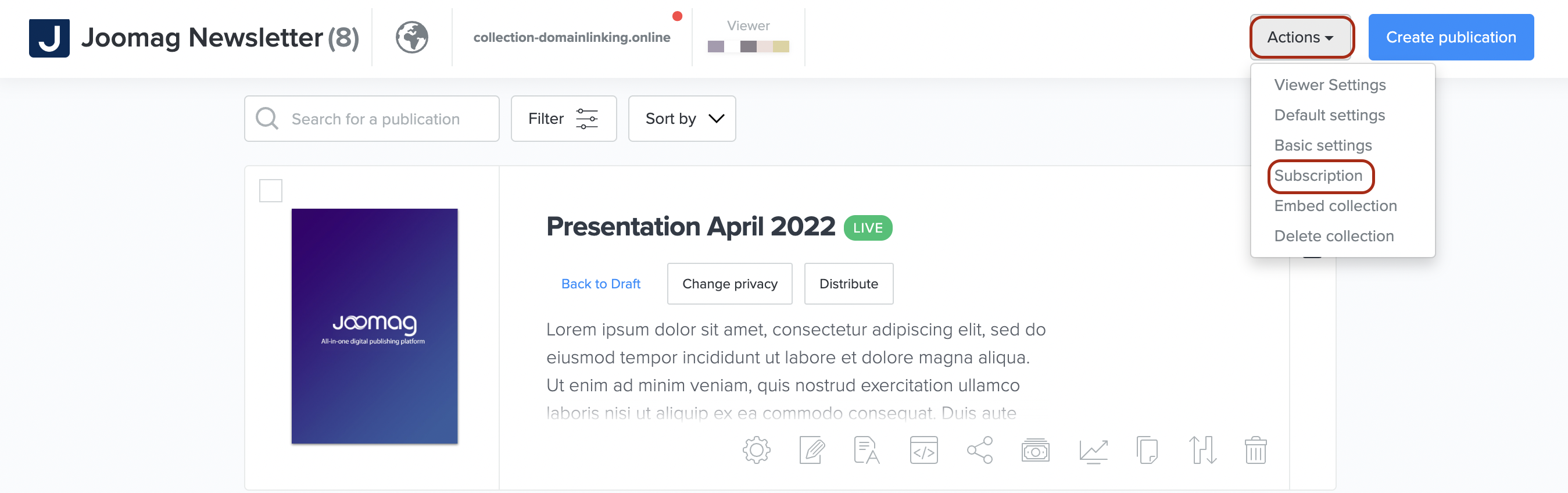
1. On the My Publications page open the collection you wish and select Subscription from the Actions drop-down menu.
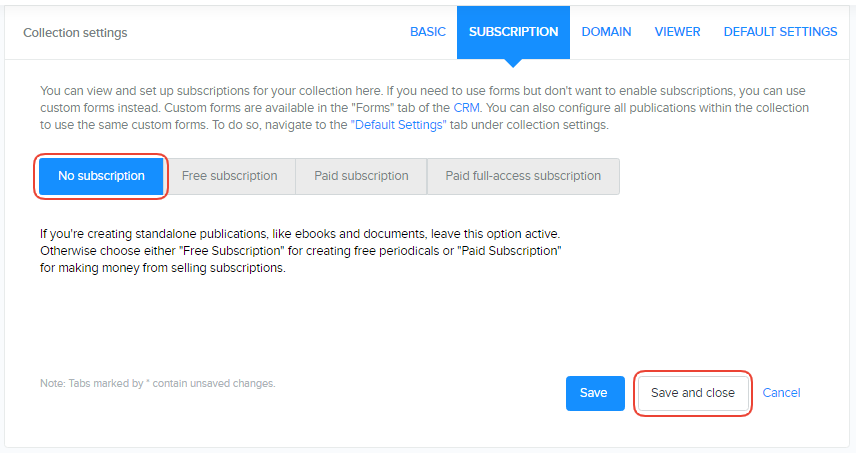
2. Proceed to the No subscription tab and click the Save and close button.
There you are! Now you can disable the subscription for your collection whenever you want.